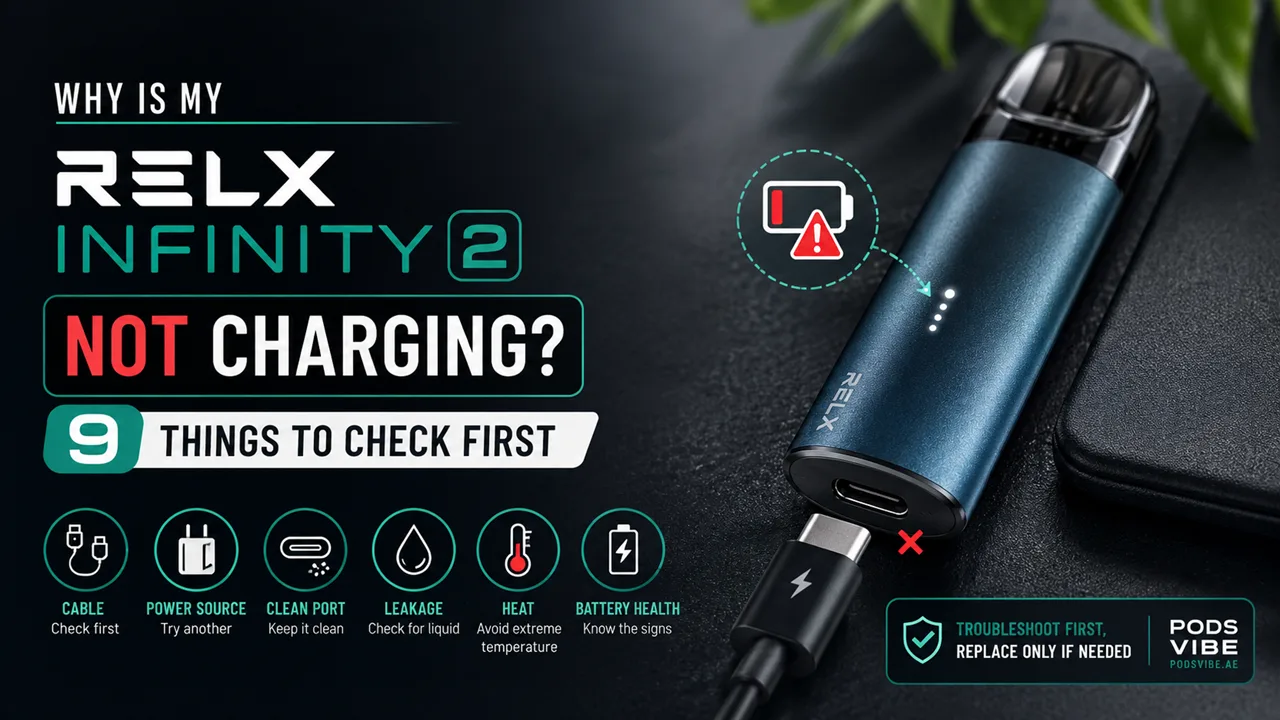
Why Is My RELX Infinity 2 Not Charging? 9 Things to Check First

On this page9 sections
Your RELX Infinity 2 is supposed to go from empty to full in about 27 minutes. So when you plug it in and nothing happens, no light, no buzz, no life, it feels like the device has failed you. In most cases, it hasn’t. A dead cable, a dusty port, or a pod that’s leaked into the charging contacts causes the majority of “not charging” complaints we hear from RELX users in Dubai and across the UAE, and every one of those is fixable in a few minutes without opening the device or buying anything new.
This guide walks through the 9 things to check, in the order that actually finds the problem fastest, starting with the two-minute fixes and ending with the signs that tell you it’s genuinely time for a replacement.
Quick Answer
If your RELX Infinity 2 won’t charge, check the cable first, then the power source, then the charging contacts on the device itself. Roughly 8 out of 10 cases we see trace back to one of those three. Heat damage, a leaked pod, and battery wear account for most of the rest. Work through the list below in order, don’t skip ahead to “the battery is dead,” because that’s usually the last thing it actually is.
How Charging Works on the RELX Infinity 2
The RELX Infinity 2 runs on a 440mAh battery and charges over USB-C, which is why a full charge takes around 27 minutes instead of the hour-plus that older micro-USB devices needed. That speed is a feature, not a fluke, the device is built to fast-charge, so if a charge is taking noticeably longer than half an hour, or not starting at all, something in the chain (cable, adapter, port, or battery) is interrupting it.
When everything’s working normally, the LED responds within a few seconds of plugging in and shows a steady charging indicator until the device is full. If you’re not seeing that response at all, that’s your first real clue and it’s exactly what the checklist below is built to diagnose.
Signs Your RELX Infinity 2 Isn’t Charging Properly
- The LED doesn’t light up at all when you plug it in
- The LED flashes briefly, then goes dark and stays dark
- The device seems to charge, but dies again within a puff or two
- A full charge is taking noticeably longer than ~27 minutes
- The device won’t activate on a draw even after being plugged in overnight
If any of these sound familiar, work through the checks below in order.
The 9 Things to Check
1. Swap the USB-C Cable
Before anything else, try a different USB-C cable, ideally one you know works with another device. Cheap or worn cables are the single most common reason a device “won’t charge,” and the fault is in the cable, not the vape. If a spare cable brings the LED back to life immediately, the mystery is solved.
2. Try a Different Power Source
Not every USB port pushes the same current. A laptop USB port, a cheap car charger, or an old wall adapter may not deliver enough power to trigger the Infinity 2’s charging circuit. Test with a proper wall adapter and, separately, with a different USB port, to isolate whether the power source is the issue rather than the device.
3. Clean the Charging Contacts
Pocket lint, dust, and everyday residue build up on the metal charging contacts faster than most people expect, especially if the device travels loose in a bag or pocket. Gently wipe the contacts with a dry cloth or a dry cotton swab, never anything wet and try charging again. This alone resolves a surprising number of “dead device” cases.
4. Check for E-Liquid Leakage Near the Port
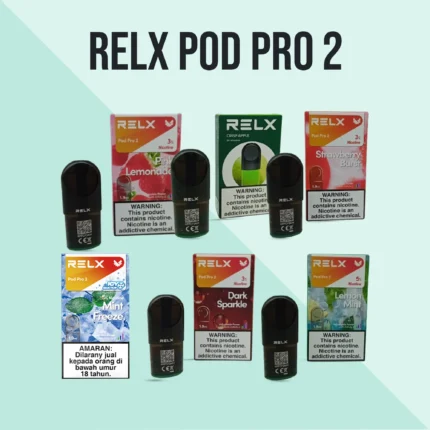
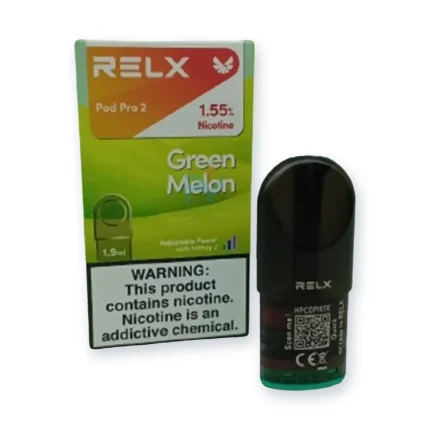
If a pod has leaked, e-liquid can seep down toward the charging contacts and either block the connection or, in worse cases, cause a short. If you notice residue, stickiness, or a burnt-sugar smell near the base of the device, that’s your answer. This is also a compatibility issue worth ruling out at the source, genuine, properly-sealed pods leak far less often than off-brand alternatives. The Relx Pod Pro and Relx Pod Pro 2 are both built for a tighter seal with the Infinity 2, so if leakage keeps recurring, switching to one of those is the more permanent fix rather than cleaning the port every week.
5. Rule Out a Deep-Discharged Battery
If the device has sat completely dead for days or weeks, the battery can enter a low-power state where it needs a few minutes of “trickle” charging before the LED responds at all. Leave it plugged in for 10–15 minutes without checking constantly, then look again. This is patience, not a fix, but it’s real, and it’s easy to mistake for a dead battery.
6. Consider UAE Heat and Humidity
Lithium batteries protect themselves. If the Infinity 2 has been sitting in a hot car, on a sun-facing dashboard, or anywhere the internal temperature climbs too high, the battery’s protection circuit can pause charging entirely until it cools down. This is one of the most common causes we see locally, precisely because UAE summer temperatures inside a parked car can exceed what any lithium battery is rated for. Let the device cool to room temperature indoors for 20–30 minutes before trying again.
7. Read What the LED Is Actually Telling You
The LED isn’t just an on/off indicator, its behavior narrows down the problem:
- No light at all → power source, cable, or contacts (check 1–3)
- Light flashes then dies → likely a battery or connection fault, not the power source
- Steady light but device won’t activate → possible internal fault, worth the elimination test below
- Light behaves normally but charge time is much longer than 27 minutes → aging battery or a weak power source
8. Do the Elimination Test
If you’ve checked the obvious causes and you’re still not sure whether it’s the cable, the adapter, or the device itself, isolate each piece: try your Infinity 2’s cable charging a different USB-C device, and try a different cable/adapter combination on your Infinity 2. Whichever pairing fails consistently points you to the actual faulty part, rather than guessing.
9. Check for Battery Wear (End-of-Life Signs)
Every lithium battery loses capacity over hundreds of charge cycles, it’s normal wear, not a defect. If your Infinity 2 has been in daily use for six months or more, is charging fully but draining far faster than it used to, or takes noticeably longer than 27 minutes to fill even with a good cable and adapter, you’re likely looking at battery wear rather than a fixable fault. At that point, no amount of cleaning or cable-swapping will bring back the original runtime.
Charging Habits That Prevent This Happening Again
- Don’t let the battery run to 0% repeatedly, shallow, frequent charges are easier on lithium batteries than deep discharges
- Avoid charging on a hot car dashboard, direct sunlight, or anywhere the device can overheat
- Stick to certified USB-C cables and adapters rather than whatever’s closest
- Wipe the charging contacts every week or two if you vape daily, it takes seconds and prevents most contact-related failures
When to Repair vs. When to Replace
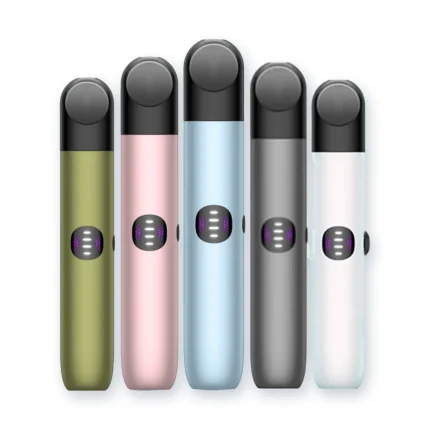
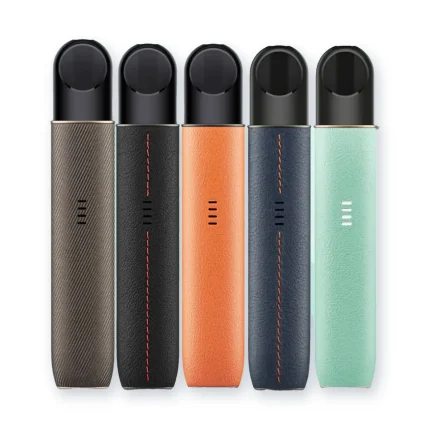
If the issue traces back to a cable, adapter, dirty contacts, or a leaked pod, you’re looking at a free or near-free fix. If it’s genuine battery wear after months of regular use, repairing isn’t really on the table, RELX devices aren’t designed for battery replacement, and a new device is the more practical route. If that’s where you’ve landed, the RELX Infinity 2 device is available with 1–2 hour delivery in Dubai, Sharjah and Ajman and 12-hour delivery across the UAE, so you’re not stuck without a device while you figure out the rest.
RELX Infinity 2 vs. Other RELX Devices
If charging problems keep recurring even after working through this list, it might be worth comparing how the Infinity 2 stacks up against the rest of the RELX lineup, or against other pod systems entirely. If you’re newer to the device and want the full walkthrough from unboxing to first puff, our Relx Infinity 2 Setup and First Use Guide covers that in detail. If you’re weighing whether to switch devices altogether, MYLE V4 vs RELX Infinity 2 breaks down how the two compare on battery life, pod cost, and day-to-day reliability. And if you want to see the full current lineup of pods and devices in one place, browse Relx Pods & Devices.
Final Thoughts
Work through this list in order and you’ll find the cause in a few minutes for most “not charging” cases, it’s rarely the battery itself. Start with the cable, then the power source, then the contacts, and only treat it as end-of-life once you’ve genuinely ruled out everything else. And if your Infinity 2 has earned its retirement, the current lineup is one click away.
Frequently Asked Questions
How long does the RELX Infinity 2 take to fully charge?
Around 27 minutes from empty with a working USB-C cable and adapter. If it’s taking noticeably longer, work through the checks above starting with the cable and power source.
Why won’t my RELX Infinity 2 turn on even when it’s plugged in?
This is almost always the cable, the adapter, or dirty charging contacts, try a different cable first, then clean the contacts with a dry cloth.
Can I use any USB-C charger for my RELX Infinity 2?
Most standard USB-C chargers work, but weaker adapters (some laptop ports, older car chargers) may not deliver enough current to charge it properly. A standard wall adapter is the safest bet.
Is it safe to charge my RELX Infinity 2 overnight?
It’s not ideal. The device charges fully in about 27 minutes, so there’s no real benefit to leaving it plugged in for hours, and doing so regularly adds unnecessary wear to the battery over time.
Why does my RELX Infinity 2 die faster than it used to?
This usually points to normal battery wear after months of regular use. If cleaning the contacts and trying a different cable doesn’t help, the battery has likely lost capacity permanently.
Does UAE heat actually damage the battery?
Yes, leaving the device in a hot car or direct sun can trigger the battery’s built-in protection circuit, pausing charging until it cools. Repeated heat exposure over time can also shorten the battery’s overall lifespan.
How do I know if a leaking pod is causing the charging issue, not the battery?
Check for residue, stickiness, or a burnt-sugar smell near the charging port. If you find it, clean the contacts and consider switching to Relx Pod Pro or Relx Pod Pro 2 for a tighter seal going forward.
When should I stop troubleshooting and just replace the device?
If you’ve tried a different cable, a different power source, cleaned the contacts, and ruled out heat and pod leakage, and it’s still charging poorly after 6+ months of use, that’s battery wear, replacement is the practical next step.