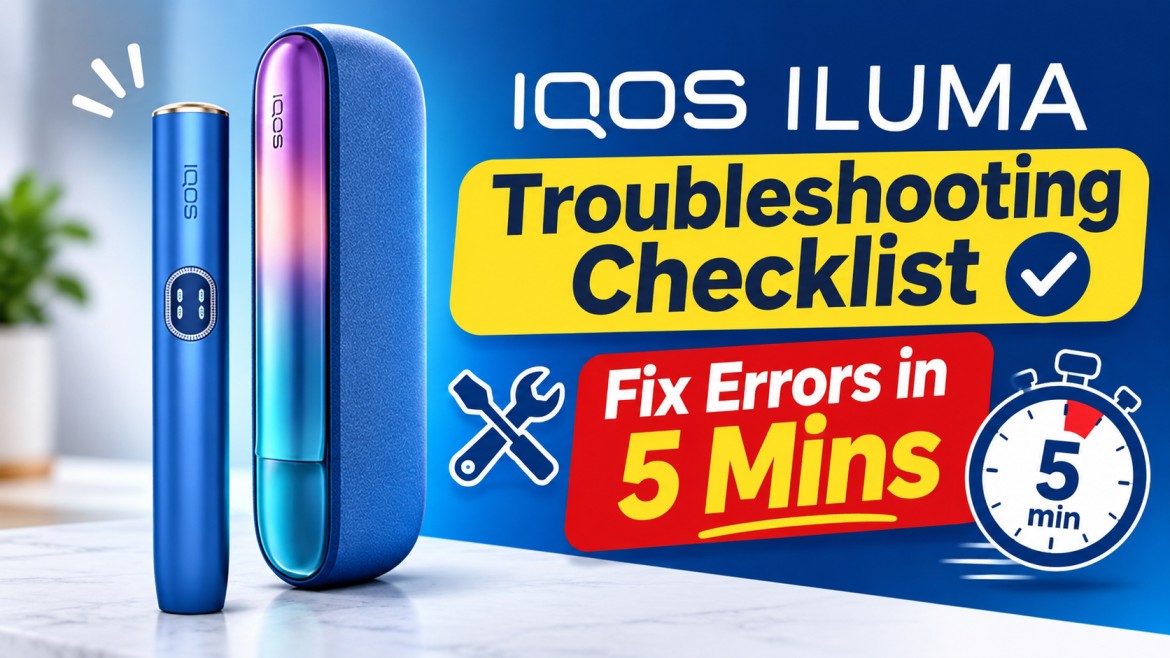
IQOS ILUMA Troubleshooting Checklist: Fix Common Errors in 5 Minutes

On this page8 sections
- Fix Common IQOS ILUMA Errors in Under 5 Minutes
- Quick Diagnostic Checklist: Understand Your IQOS ILUMA Light Signals
- Step-by-Step 5-Minute IQOS ILUMA Troubleshooting Fixes
- Model-Specific Troubleshooting: IQOS ILUMA vs. ILUMA i
- Common IQOS ILUMA Troubleshooting Mistakes to Avoid
- When Should You Stop Troubleshooting and Contact IQOS Support?
- Frequently Asked Questions About IQOS ILUMA Errors
- Final Checklist: Get Your IQOS ILUMA Working Again
Fix Common IQOS ILUMA Errors in Under 5 Minutes
Your holder blinks red right before a meeting. Or you insert a fresh TEREA stick and nothing happens. Annoying, right?
The good news: most IQOS ILUMA errors come down to four things. Battery, contacts, temperature, or a software hiccup that a reset clears. This IQOS ILUMA troubleshooting checklist walks you through each one in the right order.
One thing to know first. ILUMA devices don’t use a heating blade. They use the SMARTCORE INDUCTION SYSTEM™, which heats the stick from inside through a metal element built into the stick. So there’s no blade to clean, and you never need to open the device.
Most checks take under five minutes, though charging or cooling down takes longer.
The ILUMA i generation is the current range in the UAE, so this guide covers it in detail: the touchscreen IQOS ILUMA i PRIME, the all-in-one IQOS ILUMA i ONE, and the mid-range IQOS ILUMA i Standard. Older ILUMA, ILUMA PRIME and ILUMA ONE models are covered too.
Quick Diagnostic Checklist: Understand Your IQOS ILUMA Light Signals
| Light or screen signal | What it means | First action |
|---|---|---|
| Blinking red | Device error or malfunction | Do the 10-second reset |
| Solid red | Treat as a fault | Charge, reset, then contact support |
| Blinking yellow/orange (ILUMA, ILUMA PRIME, ILUMA ONE) | Battery depleted | Charge the holder or device |
| Lights blink white twice (ILUMA, ILUMA ONE) | Outside operating temperature | Move to room temperature and wait |
| “0” flashing 3x (ILUMA i, i PRIME) | Low holder battery | Charge the holder |
| 2 vertical lines alternating 3x (ILUMA i, i PRIME) | Out of temperature range | Bring device back to 0–40°C |
| “E” flashing 3x (ILUMA i, i PRIME) | Magnet interference, malfunction or failed firmware update | Reset the device |
| Horizontal lines blinking 8x (ILUMA i, i PRIME) | Battery end of life | Check replacement eligibility |
These signals are not universal. The standard ILUMA uses holder status lights, ILUMA i and i PRIME use a touchscreen, and the ILUMA ONE and i ONE are single integrated devices. Always match the signal to your exact model.
IQOS ILUMA Blinking Red Light: What It Means
A blinking red light means the device has detected an error, often a temporary software glitch. The official ILUMA manual says to reset, and to contact Customer Care if the red blinking continues. So reset once, charge, and try again. That applies whether you carry an ILUMA i PRIME Garnet Red or an ILUMA i Black.
IQOS ILUMA Blinking Yellow Light: What Should You Check?
On the standard ILUMA, ILUMA PRIME and ILUMA ONE, a blinking yellow or orange light means the battery is empty. Just charge it. IQOS says an ILUMA holder recharges from zero to one use in about 1 minute 50 seconds on average.
The ILUMA i and i PRIME don’t use a yellow light for this. They show a flashing “0” on the touchscreen instead.
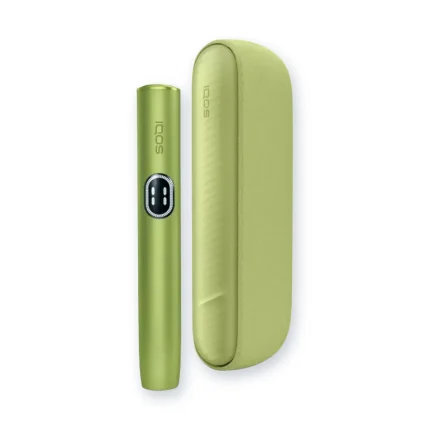
Quick tip: don’t confuse the device colour with a warning. The shell of an ILUMA i ONE Orange, an ILUMA i ONE Lime Green or an ILUMA i Orange has nothing to do with its status lights.
IQOS ILUMA Blinking White Lights: Charging or Temperature Issues?
Solid white lights show battery level and charging progress. But on the standard ILUMA and ILUMA ONE, lights that blink white twice mean the device is too hot or too cold. The official operating range is 0°C to 40°C.
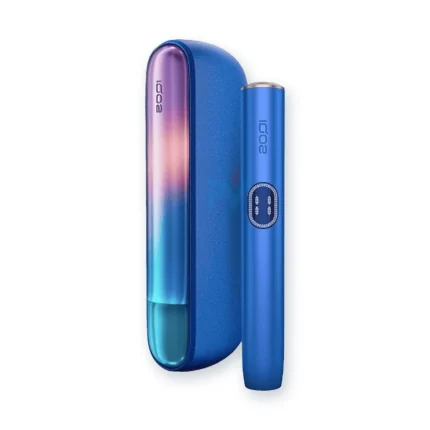
This matters in the UAE. Summer temperatures regularly pass 40°C, and a parked car gets far hotter. If your ILUMA i PRIME Breeze Blue or ILUMA i ONE Blue spent the afternoon on a dashboard, a temperature warning is expected.
Step-by-Step 5-Minute IQOS ILUMA Troubleshooting Fixes
Follow these fixes in order.
Fix 1: Reset IQOS ILUMA to Clear Temporary Errors
A reset clears glitches, frozen screens, Autostart failures and most red lights.
How to reset IQOS ILUMA device (models with a Pocket Charger):
- Place the holder inside the Pocket Charger and close the door.
- Press and hold the Pocket Charger button for 10 seconds.
- Release the button.
- Wait for all lights to turn off, blink twice and come back on.
This works for the ILUMA i Blue, the ILUMA i PRIME Midnight Black, and the older ILUMA and ILUMA PRIME. On the ILUMA ONE and i ONE, press the device’s own button for 10 seconds instead.
Expert tip: a reset fixes software, not hardware. It won’t repair a cracked holder, liquid damage or a worn-out battery.
Fix 2: Check and Clean Charging Contacts
Dust and lint on the holder and Pocket Charger contacts can stop charging, even when the charger is full.
- Remove the holder from the Pocket Charger.
- Inspect the external contact areas.
- Wipe them gently with a clean, dry, soft cloth.
- Check the USB-C port for visible debris.
- Reinsert the holder and watch the charging lights.
Safety note: never use water, alcohol, sprays, pins or toothpicks, and never open the device. That goes for an ILUMA i ONE Black and an ILUMA i Green alike.
Fix 3: Troubleshoot IQOS ILUMA Not Heating TEREA
If your IQOS ILUMA is not heating TEREA sticks, check these in order:
- Make sure the holder has at least one use left.
- Confirm the stick works with ILUMA.
- Use a fresh stick. Damp sticks perform poorly, so keep packs closed.
- Push the stick in straight without twisting.
- Check that Autostart kicks in.
- If it doesn’t, start manually (button press, or swipe on ILUMA i touchscreens), then reset.
Compatibility facts:
- ILUMA only works with SMARTCORE STICKS™. In the UAE, that means TEREA.
- In some markets, like the UK, IQOS also sells DELIA and LEVIA for ILUMA.
- HEETS don’t work. They’re made for older blade-based devices.
- Never force or modify a stick.
Whether you use an ILUMA i PRIME Aspen Green or an ILUMA i ONE Violet, the rule stays the same.
Fix 4: Resolve Temperature-Related Errors
Picture this: you leave your holder in the car during a July lunch break in Abu Dhabi, then get blinking white lights or alternating screen lines. Nothing’s broken. The device is protecting itself.
- Stop using the device.
- Move it away from direct sun, dashboards or cold AC vents.
- Let it return to room temperature naturally. No freezer, no hairdryer.
- Check the status lights again.
- Restart or reset if needed.
IQOS confirms ILUMA i devices also work between 0°C and 40°C. Your ILUMA i Violet or ILUMA i ONE Electric Purple will work normally once it cools down.
Fix 5: Troubleshoot Charging and Battery Problems
If your IQOS ILUMA is not charging, suspect a drained battery, damaged cable or adapter, blocked port, badly seated holder, or ageing battery.
- Plug into a wall adapter, not a laptop or car port.
- Check the cable and adapter for damage.
- Inspect the USB port for debris.
- Reseat the holder and close the door.
- Give a drained device time to show its first light.
- Still nothing? Try another certified cable and adapter.
Expert tip: IQOS notes that after a long period of non-use, charging lights may take up to 10 minutes to appear. Also, a full first charge of the ILUMA takes about 135 minutes, not 15. This applies to an ILUMA i Galaxy Blue as much as an ILUMA i PRIME Electric Purple.
Model-Specific Troubleshooting: IQOS ILUMA vs. ILUMA i
| Device model | Key troubleshooting point |
|---|---|
| IQOS ILUMA | Reset via Pocket Charger button, holder inside |
| IQOS ILUMA PRIME | Same reset; check holder and charger lights |
| IQOS ILUMA ONE | Integrated device; reset with its own button |
| IQOS ILUMA i / i PRIME | Touchscreen signals plus Pocket Charger reset |
| IQOS ILUMA i ONE | Integrated device; button and status lights only |
IQOS ILUMA: expect red lights, yellow battery warnings and dirty contacts. Never charge an ILUMA holder in an older-generation Pocket Charger.
IQOS ILUMA PRIME: watch for poor holder-to-charger contact. Clean, reseat, then reset.
IQOS ILUMA ONE: focus on battery level, the cable and the 10-second button reset.
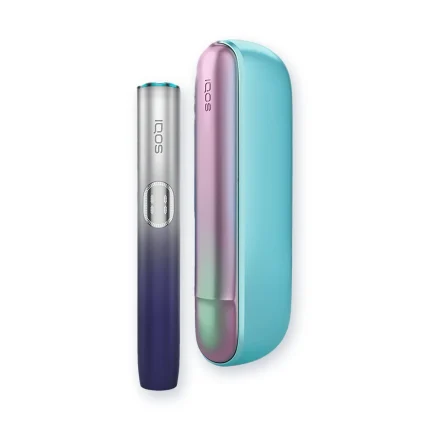
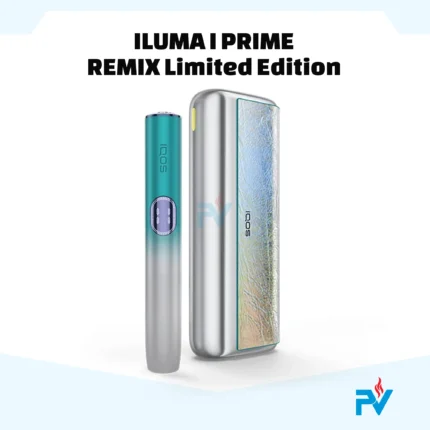
IQOS ILUMA i and i PRIME: read the touchscreen first. If it won’t respond, check the holder is on, charged and undamaged, then reset. Pause Mode and FlexPuff issues usually come from IQOS app settings, not faults. The ILUMA i PRIME Remix Limited Edition and ILUMA i Remix Limited Edition follow the same steps.
IQOS ILUMA i ONE: no touchscreen, no Pocket Charger. Use the cable check and button reset. The ILUMA i ONE Remix Limited Edition works the same way.
Common IQOS ILUMA Troubleshooting Mistakes to Avoid
- Using HEETS or other incompatible sticks.
- Poking the cavity with sharp objects.
- Opening the holder or Pocket Charger.
- Cleaning contacts with wet cloths or chemicals.
- Ignoring a red light that keeps returning.
- Charging with damaged cables or random adapters.
- Leaving the device in hot cars or direct sun.
- Resetting over and over when the device is physically damaged.
Expert note: because ILUMA uses bladeless induction, it doesn’t need routine internal cleaning like older IQOS models. Focus on external contacts and the USB port. That’s true for every model, including the ILUMA i Electric Purple.
When Should You Stop Troubleshooting and Contact IQOS Support?
Stop the DIY fixes if you see any of these:
- The red light returns after a correct reset.
- The device keeps shutting down unexpectedly.
- The Pocket Charger ignores a working power source.
- The device has cracks, dents or liquid damage.
- The battery gets very hot, swells or smells odd. Stop using it immediately.
- Charging still fails after swapping the cable and adapter.
Repeated resets can’t diagnose a hardware fault, but your warranty can help. IQOS UAE gives every device a 1-year warranty, plus one extra year when you register online within 30 days of purchase. ILUMA i PRIME owners also get one-time accidental damage protection after registering. The warranty excludes damage from opening or modifying the device, and normal battery wear isn’t a defect. So skip unauthorized repair shops.
IQOS UAE customer service runs daily from 9:00am to 7:00pm, and IQOS stores offer in-person help.
Where to Buy a Genuine IQOS ILUMA i in the UAE
Replacing an out-of-warranty device with a dead battery usually beats repairing it. Follow three rules:
- Buy genuine, UAE-market stock. Non-genuine parts aren’t covered.
- Keep your proof of purchase for warranty registration.
- Register within 30 days to unlock the extra year.
You can browse the full ILUMA i PRIME, ILUMA i and ILUMA i ONE line-up, including limited editions, at JUUL UAE.
Frequently Asked Questions About IQOS ILUMA Errors
1. How do I fix a blinking red light on my IQOS ILUMA?
Reset it with the 10-second Pocket Charger button hold. If red returns, contact IQOS support.
2. Why is my IQOS ILUMA not heating TEREA sticks?
Usually low battery, a badly inserted or damp stick, or a device outside 0–40°C. Charge it, use a fresh stick, and reset if needed.
3. How do I reset my IQOS ILUMA device?
Holder inside the Pocket Charger, hold the button 10 seconds, release. ONE models use their own button.
4. What does a blinking yellow light mean on IQOS ILUMA?
The battery is empty. Charge it. ILUMA i touchscreen models show a flashing “0” instead.
5. Why is my IQOS ILUMA not charging?
Check the adapter, cable, USB port and contacts. A drained battery may take up to 10 minutes to show a light. Still nothing? Contact support.
6. Can I use HEETS sticks with IQOS ILUMA?
No. ILUMA uses induction and only works with SMARTCORE STICKS™ like TEREA. HEETS are for older blade devices.
7. Does IQOS ILUMA need regular internal cleaning?
No. There’s no blade. Just keep the external contacts and USB port dust-free.
8. How long does an IQOS ILUMA reset take?
About 10 seconds, plus a few seconds for the confirmation lights.
9. Why does my IQOS ILUMA keep blinking white?
Lights blinking white twice mean the device is too hot or cold. Steady white lights just show charging or battery level.
10. What should I do if my IQOS ILUMA still doesn’t work after resetting?
Check the cable, adapter, temperature and condition, then contact IQOS support.
Final Checklist: Get Your IQOS ILUMA Working Again
- ☐ Identify your exact ILUMA model
- ☐ Read the light or screen signal
- ☐ Check holder and Pocket Charger battery
- ☐ Do the correct 10-second reset
- ☐ Clean external contacts and the USB port
- ☐ Confirm you’re using compatible sticks
- ☐ Make sure the device is between 0°C and 40°C
- ☐ Contact official support if the problem continues
Start with the light, the battery and the right reset, and never attempt internal repairs. Bookmark this IQOS ILUMA troubleshooting checklist so it’s ready the next time your device blinks at you.
This product is not risk-free and provides nicotine, which is addictive. For adult users only.