JUUL 2 Starter Kit Unboxed: What’s Inside and How to Set It Up

The JUUL 2 starter kit includes one JUUL 2 device, one magnetic charging dock, and two pods to get you started, everything you need in a single box, no extra purchases required. You have the box in your hands, maybe still sealed, and you are not quite sure where to start. That is completely normal. Let us go through this together, slowly, the way I would if I were sitting next to you. By the end of this you will know exactly what is inside, how to get it running for the first time, and what to do if something looks a little off on day one. Genuine JUUL 2 starter kits are available through Pods Vibe with delivery across Dubai and the UAE, so if you are still deciding whether to order one, this guide should answer that too.
What’s Inside the JUUL2 Starter Kit
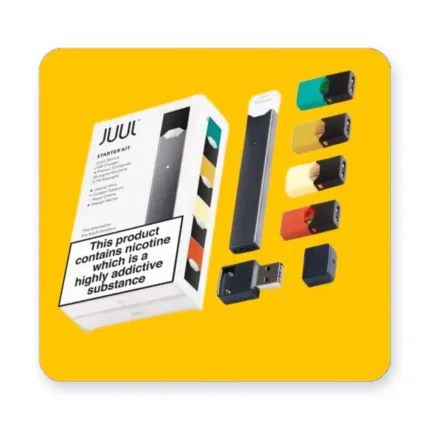
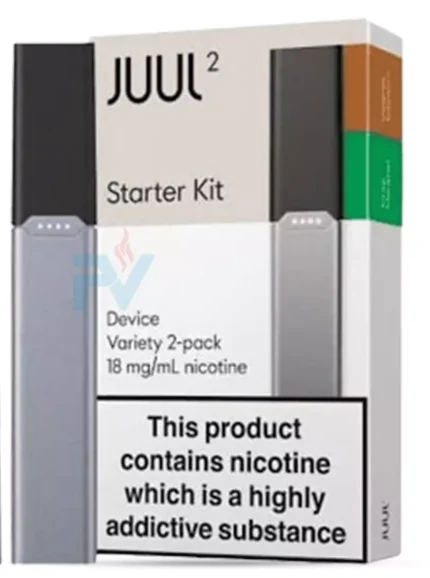
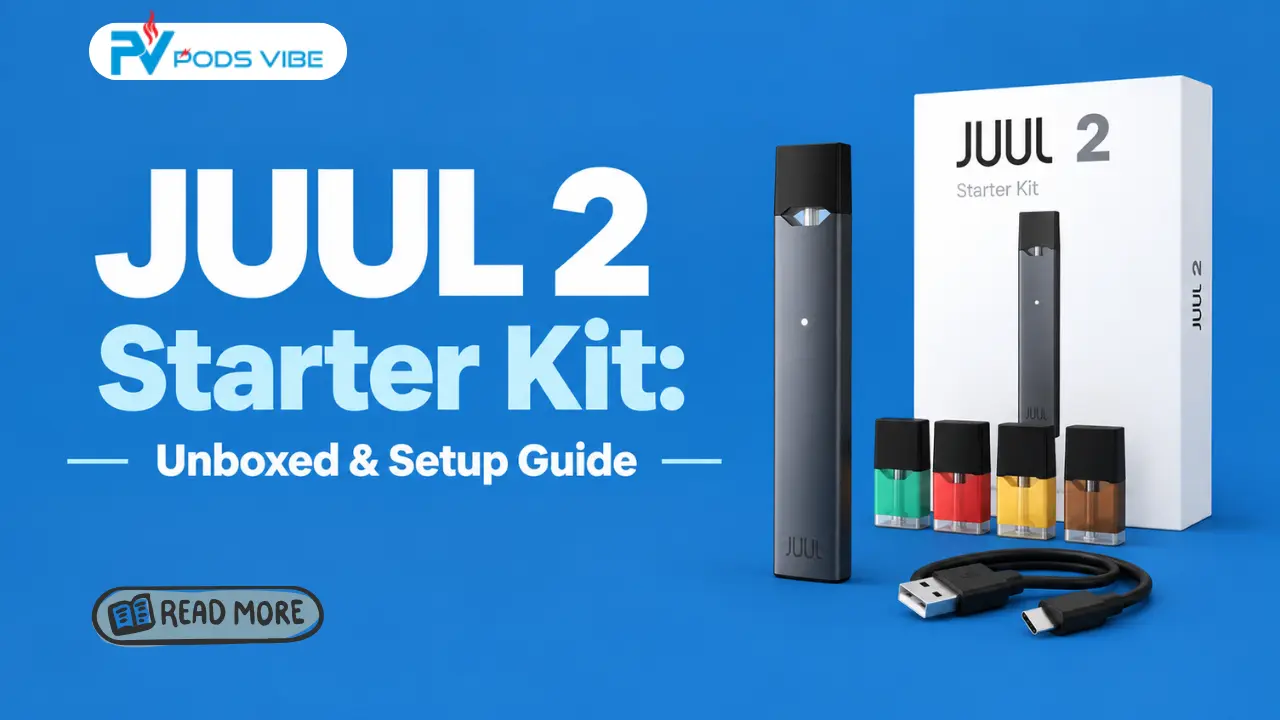
Open the box and here is what you should find. One JUUL2 device, one magnetic USB charging dock, two pods, usually a Virginia Tobacco and a Crisp Menthol, and a short quick start card.
- The device itself: small enough to sit comfortably in your palm, built around a 350mAh battery, with no buttons on the front, just a clean surface with four small lights along one edge.
- The charging dock: a little magnetic cradle that connects over USB, no fiddly cable to align, it just snaps into place.
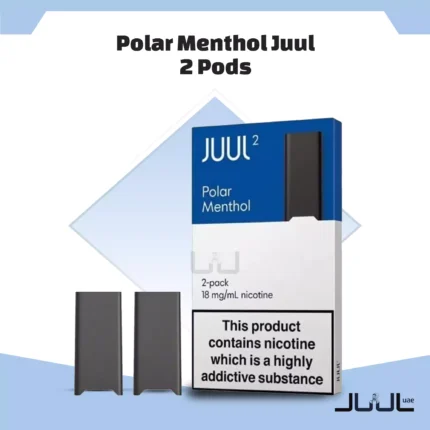
- Two pods to start: a Virginia Tobacco pod for a familiar, honest tobacco taste, and a Crisp Menthol pod if you want something cooler on your first try. Each pod holds 1.2ml of e liquid and carries a Pod ID chip, a small built in check that confirms the pod is genuine before the device will fire.
- The quick start card: brief, but keep it nearby for your first few days, it has the basics printed right on it.
That is genuinely everything you need. Nothing else to buy or charge separately before you begin.
Before You Do Anything, Charge It
Resist the urge to try it right out of the box. Give it a proper charge first, it only takes a few minutes to set up and saves you a confusing first impression. A full charge from empty generally takes under an hour, and most new kits arrive with enough charge for a quick first check even before that.
Here is a small trick worth knowing early. Along the edge of the device where the four small lights sit, tap that spot twice, gently, and watch how they respond. If they glow white, you have enough charge to go ahead. If they do not, place it on the dock for at least five minutes before trying that tap again. You genuinely cannot overcharge it, the device stops drawing power on its own once it reaches full, so there is no need to hover over it watching the clock.
Setting Up Your JUUL 2 Step by Step
- Once you have confirmed enough charge, take one of your two Juul 2 pods and slide it into the top of the device.
- Push gently until you hear a small click. That click matters, it is your confirmation the pod is properly seated, not just resting on top.
- Bring the device to your mouth and take a slow, steady draw, there is no button to press, the device activates on its own the moment you inhale.
- On that first draw, you may notice a soft light respond, a small sign the pod is recognized and working as it should.
- That is it. No settings to adjust, no wattage to set, just draw and go from here on out.
If you would rather see the fuller picture of getting comfortable with a new device day to day, our first time JUUL beginner guide covers more of that early adjustment period.
What Your JUUL 2 Lights Are Telling You
You do not need to memorize every possible light pattern today, just the handful that actually matter in your first week.
- White: you are good to go, enough charge to vape.
- Two red lights alternating side to side when you insert a pod: the Pod ID chip has not recognized that pod as genuine, try reseating it or trying the other pod from your box.
- All four lights solid red at once: the device is locked and needs to be brought near your phone and unlocked through the app, this only applies if you have set up locking, most new users never encounter this.
For a complete breakdown of every color and pattern you might come across later on, our full JUUL device light meanings guide goes into far more detail than you need on day one.
If Something Feels Off on Day One
A few small hiccups are common in the first hour or two, and none of them usually mean anything is actually wrong.
- No vapor at all, even after a clear draw: check your charge first with that double tap, then remove the pod fully and reinsert it until you hear the click again. This solves the vast majority of first day silence.
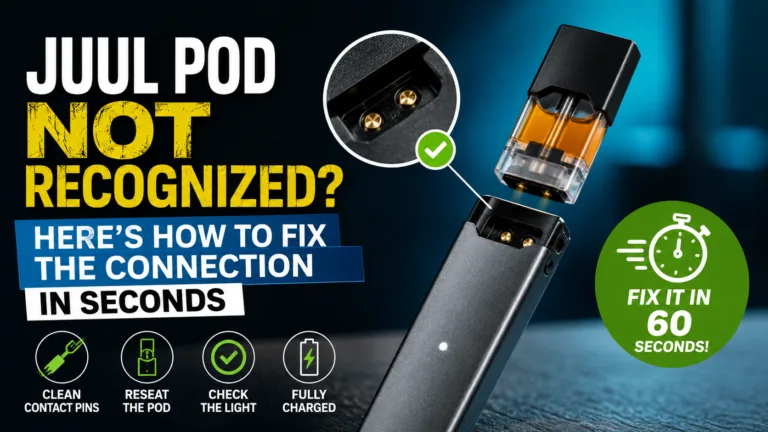
- The pod does not seem to click into place: take it out completely and look at the small gold contacts on the pod’s base, wipe them gently if you see any dust, then try again with a touch more firm, even pressure.
- Charging seems stuck or slow: make sure the device is sitting flat and centered on the dock, the magnetic connection is forgiving but not infinite, a slightly off angle can interrupt it.
If a couple of these steps do not resolve it, our deeper dive on why a JUUL might not hit properly even when charged walks through the less common causes.
Do You Actually Need the App
No, not for regular use. Draw, charge, repeat, all of that happens without ever opening an app. The app only comes into play if you want the optional lock feature, tying your device to your phone so it will not fire for anyone else. Plenty of people use JUUL2 for years and never install it at all.
Making Sure What You Bought Is the Real Thing
One quiet benefit of the JUUL2 system is that it already checks this for you. If a pod is not genuine, the Pod ID chip tells you outright with those alternating red lights rather than pretending everything is fine. Still, starting with a kit from a trusted source in the first place means you are far less likely to run into that at all. Our guide on how to identify authentic JUUL 2 pods in the UAE is worth a quick read if you ever want extra peace of mind before your next order.
Conclusion
Unboxing something new always feels bigger than it needs to. In reality, JUUL2 asks very little of you, charge it, click a pod in, and draw. Everything else in this guide is just there for the small moments of doubt along the way. Give it a few days and you will barely think about any of it.
Note: This product contains nicotine, which is addictive. It is intended for adult smokers aged 18 and above in the UAE.
Frequently Asked Questions
What comes in the JUUL2 starter kit?
The device, a magnetic charging dock, two pods, usually Virginia Tobacco and Crisp Menthol, and a quick start card.
How do I charge my JUUL2 for the first time?
Place it on the magnetic dock and let it charge fully before your first use. Double tap the device to check progress, white lights mean it is ready.
How long does the first charge take?
A full charge from empty generally takes under an hour, though many kits arrive with some charge already in them.
Why is my JUUL2 showing red lights when I insert a pod?
Two alternating red lights mean the Pod ID chip does not recognize that pod as genuine. Try reseating it or use the other pod included in your kit.
Do I need the JUUL app to use JUUL2?
No, the app is only needed for the optional lock feature. Regular use works without ever installing it.
How long does the JUUL2 battery last?
A full charge typically carries most users through a full day of normal use, and the device stops charging on its own once it reaches full.
What flavors come with the starter kit?
Most kits include one Virginia Tobacco pod and one Crisp Menthol pod, giving you a tobacco option and a cooler option to try right away.
What nicotine strength are JUUL2 pods?
JUUL2 pods in the UAE are sold at 1.8 percent nicotine salt, giving a smooth, steady hit suited to daily use.
Is JUUL2 good for someone who has never vaped before?
Yes, there are no settings to learn, no coils to manage, just insert a pod and draw, which makes it one of the simplest devices to start with.
How do I know if my pod is properly inserted?
You should feel and hear a small click when it is seated correctly. If you do not, remove it and try again.
My JUUL2 will not charge, what should I check first?
Make sure the device sits flat and centered on the dock, since the magnetic connection can interrupt if it is placed at an angle.