Best Practices for Maintaining Peak Performance on Your JUUL Device

On this page16 sections
- Keep Your JUUL Device Performing Consistently
- Quick JUUL Maintenance Checklist
- Know Your JUUL Device Before Maintaining It
- JUUL Device Maintenance Tips for Everyday Use
- How to Clean a JUUL Device Safely
- JUUL Pod Maintenance: Getting More Consistent Performance
- JUUL 2 Pods: Care and Compatibility
- Charging Practices That Help Protect Device Performance
- Storage: Protect Your JUUL Between Uses
- Troubleshooting Common JUUL Performance Problems
- When Cleaning Isn’t Enough: Know When to Stop Using the Device
- JUUL 1 vs. JUUL 2: Maintenance Checklist
- Pod Types and Nicotine Strength: What Users Should Check
- JUUL 2 Device & Pods Combo Offer: What to Check Before Buying
- FAQ: JUUL Device Maintenance Tips
- Final Takeaway
Keep Your JUUL Device Performing Consistently
A JUUL device that’s drawing weak or tasting off almost never needs replacing right away. Most performance problems trace back to something simple: residue around the pod contacts, a bit of moisture, a battery that hasn’t been charged properly, or a pod that’s just past its best. Routine maintenance catches these issues early, before they turn into a device that genuinely needs replacing.
This guide covers cleaning, pod care, charging, storage, and troubleshooting for both JUUL 1 devices and JUUL 2 devices. One thing before we get started: always follow the manufacturer’s own instructions and whatever local regulations apply where you are. This guide covers general good practice, not a replacement for official guidance.
Quick JUUL Maintenance Checklist
- Keep the device clean and dry
- Inspect the pod and connection points regularly
- Use pods compatible with your specific device generation
- Follow the manufacturer’s charging guidance
- Store away from heat and moisture
- Replace damaged or compromised pods instead of trying to fix them
- Stop using a damaged or malfunctioning device
- Keep devices and pods away from children and pets
Know Your JUUL Device Before Maintaining It
JUUL 1 Device
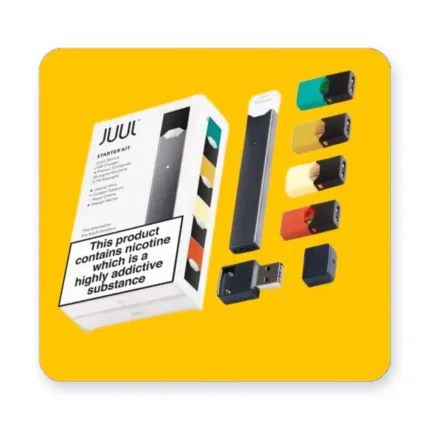
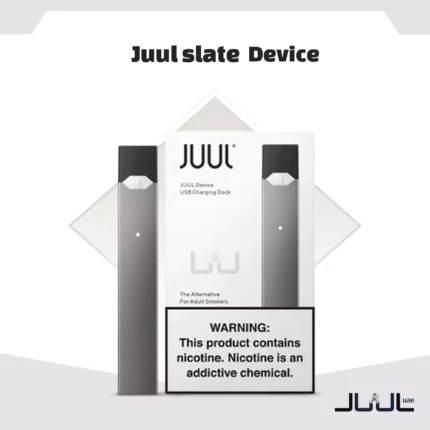
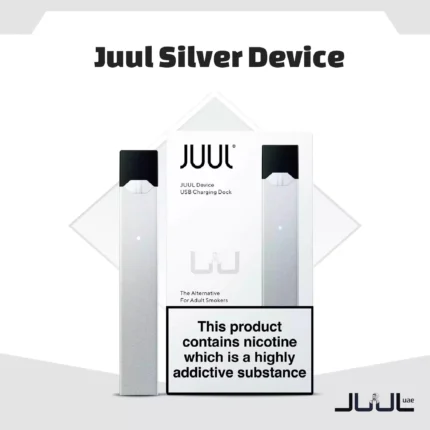
The original JUUL has a few key external components worth knowing before you start any maintenance: the pod bay, the contact points inside it, the charging connector, and the outer shell itself. If you own a JUUL Silver or JUUL Slate, the maintenance basics are identical across both; the color doesn’t change how you should care for the device.
JUUL 2 Device
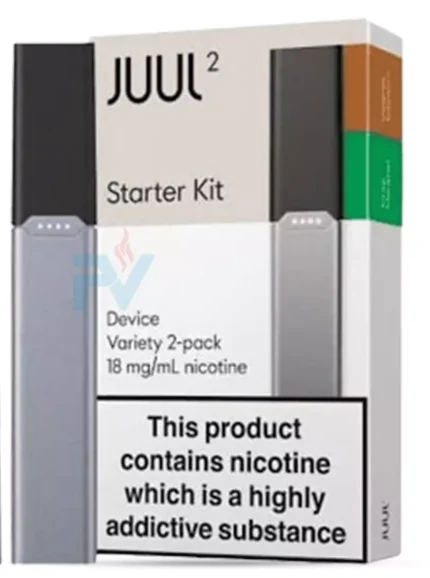
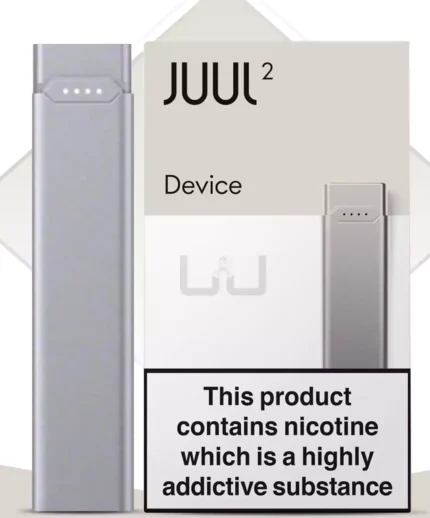
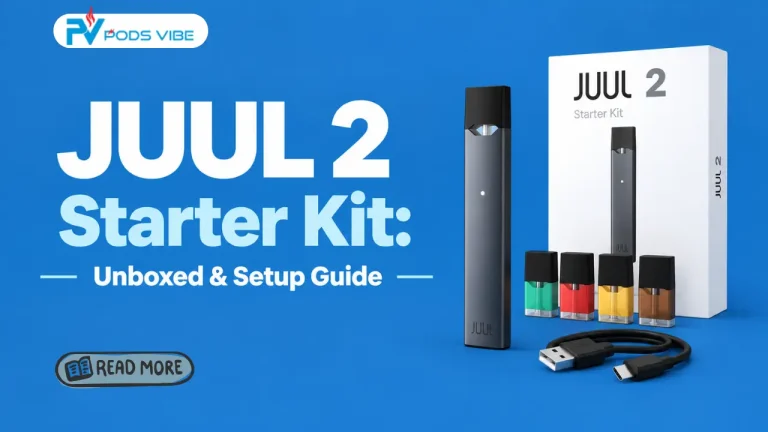
The JUUL 2 updates the pod connection and overall design compared to the original, and that matters for maintenance since pod insertion and contact cleaning can feel slightly different between generations. The JUUL 2 Slate Grey follows the same care routine as the rest of the JUUL 2 line.
Maintenance practices vary somewhat between device generations because the hardware itself has changed, so don’t assume a JUUL 1 habit transfers exactly to a JUUL 2 without checking.
JUUL Device Maintenance Tips for Everyday Use
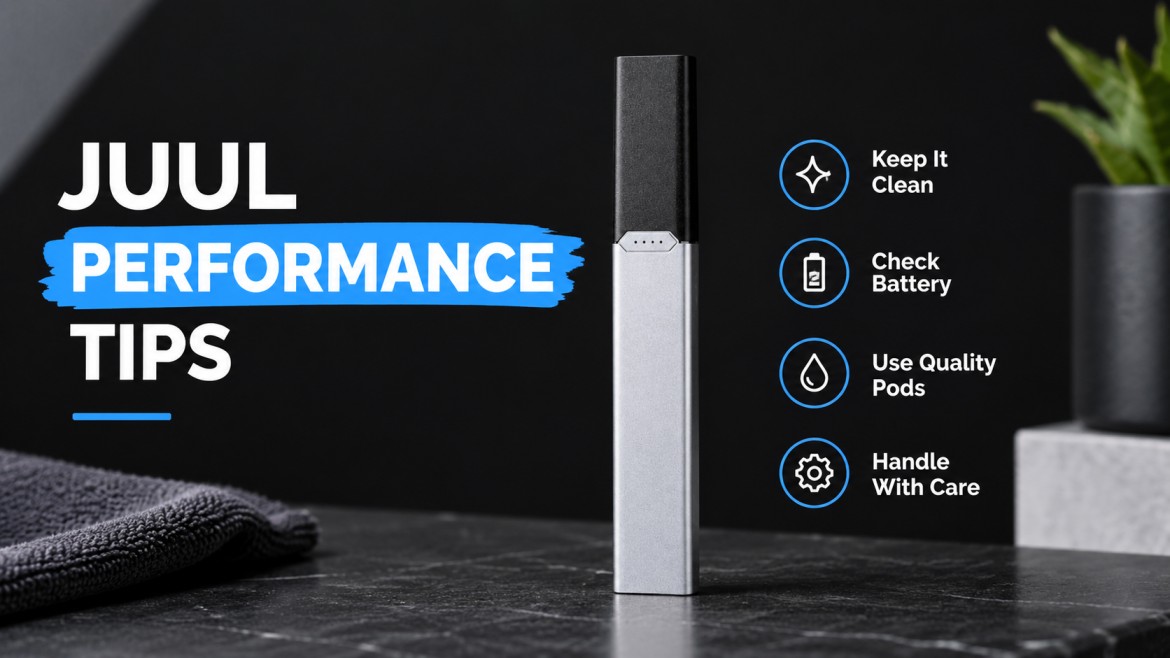
- Keep the device clean and dry. Wipe the exterior regularly with a dry cloth. Don’t let e-liquid or condensation build up around the connections; that’s one of the most common causes of weak performance. And never introduce any liquid into the device directly.
- Inspect the pod connection often. Check for visible residue or moisture around the contacts before you insert a pod. Keep those contact points clean and dry. When reinserting a pod, do it carefully; don’t force it in at an angle.
- Handle the device properly. Avoid dropping it, crushing it, or bending it in a bag or pocket. Keep it away from extreme heat and moisture. If you’re carrying it around regularly, use some kind of case or pouch rather than tossing it loose into a bag with keys and coins.
How to Clean a JUUL Device Safely
What to use: a clean, dry, lint-free cloth or cotton swab. That’s genuinely all you need. Simple, regular maintenance beats an aggressive deep clean every time.
Step-by-step cleaning routine:
- Remove the pod from the device.
- Inspect the pod bay and the contact points for visible residue.
- Gently wipe away anything you see, no scrubbing, just a light wipe.
- Make sure the area is completely dry before you move on.
- Reinsert the pod securely.
What to avoid: don’t soak the device in anything, ever. Don’t pour cleaning liquid directly into any opening. Don’t use damaged tools or apply excessive force while cleaning. And don’t attempt to disassemble the device; that’s not a maintenance step, and it’s a good way to cause real damage.
JUUL Pod Maintenance: Getting More Consistent Performance
Inspect your pods before every use, not just when something feels off. Keep pods upright when it’s practical to do so; that helps prevent e-liquid from pooling in one spot. Never use a pod that’s leaking, cracked, damaged, or otherwise visibly compromised, no matter how much e-liquid is left inside it.
When a pod’s performance starts declining, replace it rather than trying to repeatedly fix or revive it. Condensation and residue around the connection point are usually what’s behind inconsistent performance, and that’s exactly why the inspection habit above matters so much. If you’ve noticed flavor fading before a pod is actually empty, that’s a separate but related issue worth understanding; our piece on why pod flavor goes muted before it’s empty covers that specifically.
JUUL 2 Pods: Care and Compatibility
Use pods specifically designed for the JUUL 2, don’t assume every JUUL pod works interchangeably across generations, because they genuinely don’t. The JUUL 2 pod connection differs from the original, and using the wrong format risks a poor fit or inconsistent performance.
The current JUUL 2 range includes Apple, Mango, Lychee, and Watermelon on the fruit side; Arctic Breeze, Crisp Menthol, Polar Menthol, Ruby Menthol, and Summer Menthol on the menthol side; Tropical Medley as a blended option, and Autumn Tobacco, Blackcurrant Tobacco, and Virginia Tobacco for tobacco flavors. Whatever flavor you pick, the maintenance routine stays identical; flavor choice has nothing to do with how you care for the device.
Charging Practices That Help Protect Device Performance
Follow the manufacturer’s charging guidance exactly; don’t improvise your own method. Use charging equipment you know is actually compatible with the device. Charge it on a flat, stable surface, not somewhere it can get knocked around.
Never charge a device that’s visibly damaged. Disconnect it according to the manufacturer’s guidance once it’s done. Keep the charging port and connector clean and dry at all times. And if you notice anything unusual, unexpected heat, a strange smell, or anything that feels off, stop and check the device rather than continuing to charge it. If your device genuinely isn’t charging at all, our dedicated guide on fixing battery and charging port issues the right way walks through the full troubleshooting process.
Storage: Protect Your JUUL Between Uses
Store the device somewhere cool and dry, away from direct sunlight and excessive heat. Keep devices and pods well out of reach of children and pets at all times. Avoid storing it anywhere it could get crushed; a bag with heavy items or a tight pocket both carry real risk.
If you’re storing pods for a longer stretch, think about position and leakage prevention too, keeping them upright and sealed where possible helps avoid problems you’d otherwise only discover once you go to use them.
Troubleshooting Common JUUL Performance Problems
- Device isn’t producing the expected vapor: check that the pod is properly installed, inspect the pod and contacts for residue, check your battery or charging status, and try a fresh, compatible pod if the issue persists.
- Device feels wet or leaks: remove the pod immediately, wipe away any visible moisture, inspect the pod itself for damage, and stop using anything that’s visibly compromised.
- Device isn’t charging normally: inspect the charging connection closely, check for visible damage or debris, try the manufacturer’s recommended charging method exactly as described, and stop using the device entirely if it becomes unusually hot or shows any signs of damage.
- Performance suddenly changes: check the pod’s condition first, think about whether the device or pod has recently been exposed to heat, moisture, or a physical knock, and replace whatever’s compromised rather than forcing continued use.
When Cleaning Isn’t Enough: Know When to Stop Using the Device
Some signs mean it’s time to stop troubleshooting and step back entirely: visible physical damage, unusual overheating, a damaged battery or charging component, a malfunction that persists even after basic troubleshooting, or clear signs the device has been exposed to a significant amount of liquid.
Don’t attempt unauthorized battery or hardware repairs yourself under any circumstances. That’s not a safe DIY project, and pushing forward with a damaged device is a real risk not worth taking to save a bit of money.
JUUL 1 vs. JUUL 2: Maintenance Checklist
| Consideration | JUUL 1 | JUUL 2 |
|---|---|---|
| Compatible pod type | Original JUUL pods | JUUL 2-specific pods only |
| Basic cleaning | Wipe exterior, clean pod bay | Wipe exterior, clean pod bay |
| Pod inspection | Check contacts for residue | Check contacts for residue |
| Charging considerations | Manufacturer-approved charger only | Manufacturer-approved charger only |
| Storage | Cool, dry, away from children/pets | Cool, dry, away from children/pets |
| Common maintenance issues | Residue buildup around contacts | Pod-fit issues if wrong pod type used |
The core routine barely changes between the two generations. The main thing to get right with JUUL 2 specifically is using the correct pod format; everything else carries over directly.
Pod Types and Nicotine Strength: What Users Should Check
Pod labeling and availability shift by market and by product generation, so always check the actual label in front of you rather than assuming. From the current range, you’ll find Berry 18mg, Mango 18mg, and Mint 18mg alongside Menthol 3%, Menthol 5%, Virginia Tobacco 3%, and Virginia Tobacco 5%.
Before using any pod, verify the label, confirm it’s actually compatible with your specific device, check the nicotine concentration, and make sure you’re meeting any applicable local requirements for purchase and use.
JUUL 2 Device & Pods Combo Offer: What to Check Before Buying
If you’re looking at a combo offer bundling the device and pods, confirm the device and included pods are actually compatible with each other before you buy. Check exactly what’s included in the bundle; don’t assume. Verify the product condition and packaging look right. Compare the included pod flavors and nicotine strengths against what you actually want.
One thing worth being direct about: don’t assume a promotional bundle tells you anything about maintenance requirements; the care routine stays the same whether you bought the device individually or as part of a combo.
FAQ: JUUL Device Maintenance Tips
How often should you clean a JUUL device?
A quick check and wipe every few days, or any time you notice reduced performance, is enough for most users. There’s no need for an aggressive daily deep clean.
How do you clean a JUUL pod connection?
Remove the pod, gently wipe the contact points with a clean, dry, lint-free cloth, make sure the area is fully dry, then reinsert the pod.
Why is my JUUL not hitting properly?
Usually one of a few things: a poorly seated pod, residue on the contacts, a battery issue, or a pod that’s simply reached the end of its usable life.
Why is my JUUL pod leaking?
Often due to physical damage, improper storage, or a pod that wasn’t fully seated correctly. Stop using a leaking pod right away rather than trying to keep going with it.
Can you clean the inside of a JUUL device?
Only the pod bay and visible contact points. Don’t attempt to open or disassemble the device itself for any reason.
How should you store a JUUL device?
Somewhere cool, dry, and away from direct sunlight, excessive heat, children, and pets.
How do you know when a JUUL pod needs replacing?
Reduced vapor, flavor that’s noticeably changed or faded, visible damage, or any leaking are all clear signs it’s time for a new one.
Are JUUL 1 and JUUL 2 pods interchangeable?
No. They use different pod formats; always use pods specifically designed for your exact device generation.
What should you do if a JUUL device gets wet?
Remove the pod, wipe away visible moisture, and let it dry completely before attempting to use it again. If anything seems off afterward, don’t force continued use.
What should you do if a JUUL device becomes unusually hot?
Stop using it immediately and let it cool down. If the heat persists or happens repeatedly, that’s a sign to stop using the device rather than keep pushing through it.
Final Takeaway
Consistent performance really comes down to a few habits: keep the device clean and dry, charge it properly, pair it with compatible pods, and store it somewhere sensible between uses. None of this takes much time, but it makes a real difference in how reliably your device performs over the long run.
Simple preventive care also helps you catch small problems early, before they turn into bigger ones. And when a device or pod is genuinely damaged or behaving abnormally, replacing it is always the safer call over attempting an improvised fix yourself. If your pod seems to lose flavor before it should, or your device just won’t charge, the dedicated troubleshooting guides linked above cover those specific issues in more depth. For genuine JUUL and JUUL 2 devices and the full pod range covered here, Pods Vibe carries everything you need to keep your setup running well in the UAE.
This product contains nicotine, which is an addictive chemical. For use by adults only.